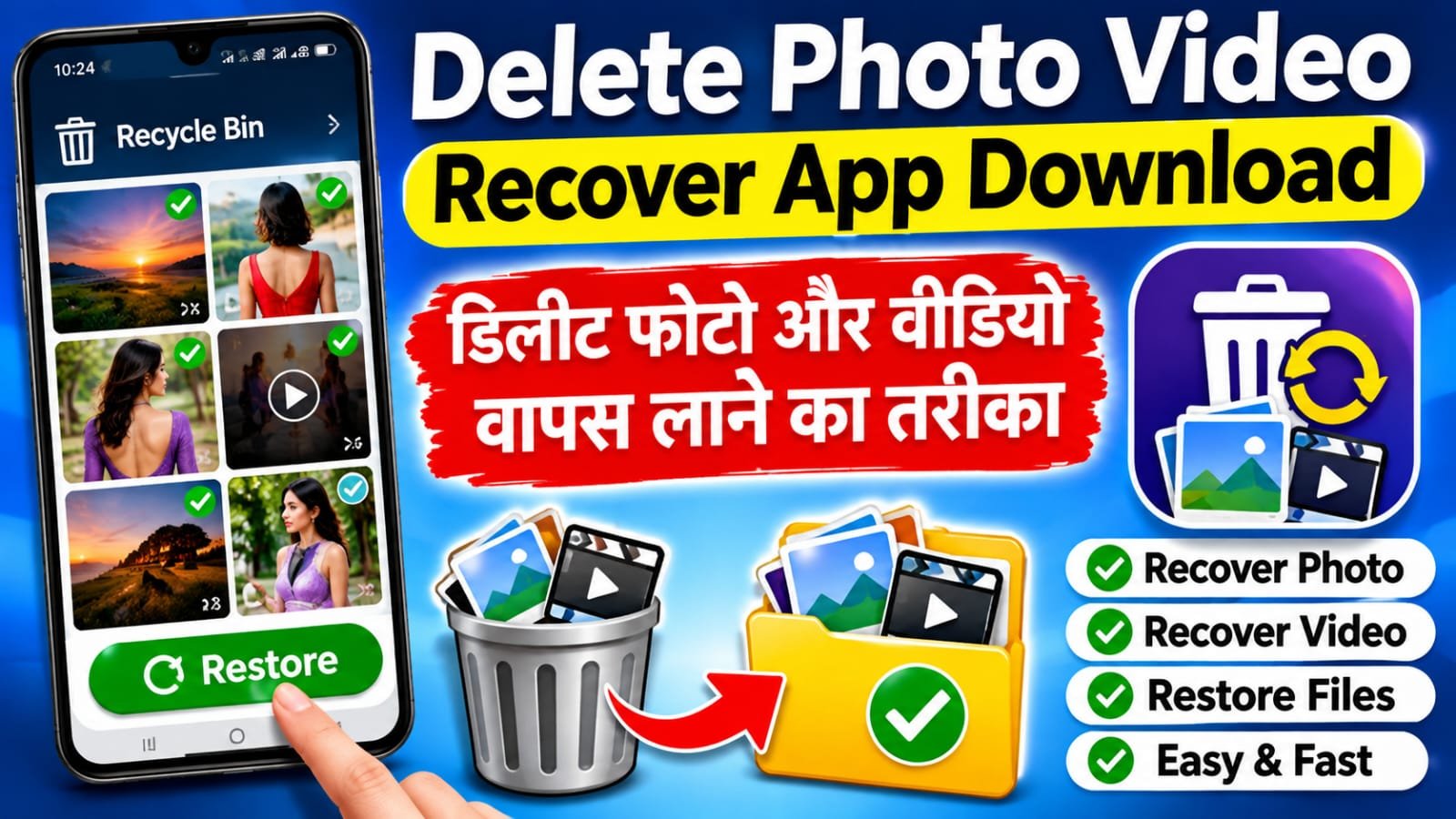
Have you accidentally deleted an important photo or video from your mobile phone? It can be upsetting when a memorable family picture, an important document image, or a special video suddenly disappears from your gallery. Many people think that once a file is deleted, it is gone forever. However, that is not always the case. Depending on your phone, backup settings, and how long ago the file was deleted, you may be able to restore it.



If you are looking for a Delete Photo Video Recover app, this guide will help you understand the safest ways to find deleted media on an Android phone. Before installing any recovery application, you should first check your phone’s Gallery Trash and Google Photos account. These options are often easier and safer than using an unknown third-party app. In this article, we will also discuss some apps that may help you search for lost photos and videos, along with their limitations.
For more simple mobile tutorials, app information, and technology tips, you can also visit NaiTaiyari.com. The steps below are general Android instructions. The exact menu names may differ on Samsung, Xiaomi, Redmi, Realme, Vivo, Oppo, Motorola, and other smartphones.
1. Check the Gallery Trash Folder First
The first thing you should do after deleting a photo or video is open your phone’s Gallery app. Many Android phones have a folder called Trash, Recently Deleted, or Recycle Bin. When you delete a file, it may be moved to this folder instead of being erased immediately. Open the Gallery app, find its Albums or Menu section, and look for the Trash or Recently Deleted option.
Open that folder and carefully check whether your missing photo or video is available. If you find it, select the required file and tap Restore. In many phones, the restored item returns to its original album or appears again in the main gallery. Some manufacturers keep deleted items only for a limited period, and the retention time can vary by device and software version. If you cannot find the Trash option, check your phone manufacturer’s support instructions.
Do not empty the Trash folder if you may need something stored there. Also, avoid selecting Delete Permanently unless you are completely sure that you no longer need those files. Once an item is permanently deleted, recovery may not be possible through the Gallery app.
2. Recover Deleted Photos and Videos Using Google Photos
If you use Google Photos and had Backup enabled before deleting your media, check its Trash folder. Open Google Photos using the same Google Account that was active when your pictures and videos were backed up. Tap Collections, then open Trash. Look through the deleted items, select the photo or video you need, and tap Restore if the option is available.
Google’s current help information says that backed-up items remain in Google Photos Trash for up to 60 days, while items that were not backed up may remain for 30 days on supported Android devices. The exact recovery possibility depends on the backup status and deletion history. If you have emptied the Trash or permanently deleted an item, Google says it cannot be restored from there. You can read the official instructions in Google Photos Help.
Make sure you are checking the correct Google Account. Some people use more than one Gmail account on the same phone, so a photo may be backed up to a different account. You can also check the On this device section in Google Photos to look through folders created by other apps.
3. What to Do If Photos Are Not in the Trash?
If your deleted photos or videos are not available in Gallery Trash or Google Photos Trash, recovery becomes more difficult. First, check whether you have another backup. You may have copied the files to Google Drive, a computer, a pen drive, an SD card, or another cloud storage service. Also check messaging apps or shared albums if you previously sent those pictures to someone. A copy may still exist even if the original file is missing from your gallery.
If the files were stored on a memory card, stop saving new files to that card until you have checked your recovery options. If you continue taking photos, downloading videos, or copying data, new information may overwrite the space where deleted files were stored. This can reduce the chance of recovery. For important personal or business files, consider asking a trusted data-recovery professional before trying multiple apps.
Important: No recovery app can guarantee that every deleted photo or video will come back. Modern Android storage encryption and file-management restrictions can make recovery difficult, especially after permanent deletion or when new data has overwritten the old storage space.
4. Which Apps Can Help Recover Deleted Photos and Videos?
If the built-in options do not help, you can research a reputable recovery app. Read its latest reviews, check the developer, review the permissions it requests, and understand its privacy policy before installing it. Do not give unnecessary access to your contacts, messages, microphone, or other personal information. An app should never ask you to share your Google password, banking PIN, or OTP to recover a photo.
Google Photos: This is a useful first option when your photos and videos were backed up. You can check the Trash folder and restore eligible items to your library. It is not a tool for bringing back files that have already been permanently deleted from its Trash.
DiskDigger Photo Recovery: This Android app can scan a device for certain recoverable image files. Results depend on the phone, Android version, storage condition, and permissions available to the app. Some deeper scanning features may require root access. It should not be treated as a guaranteed solution for permanently deleted photos or videos.
Dumpster: Dumpster is a recycle-bin-style app designed to help keep copies of files that are deleted after the app has been installed and configured. It is important to understand that an app of this type generally cannot protect files that were deleted before it was installed. Check its current features and privacy details before use.
Your Phone’s Gallery App: The built-in Gallery app from your phone manufacturer may already include a Recently Deleted or Trash folder. For recently deleted items, this is often the simplest place to check before downloading anything else.
Always download apps from the official Google Play Store. Avoid websites that offer modified APK files or promise to recover every deleted file with one tap. Such claims may be misleading and can expose your phone to harmful software.
5. Final Words and App Download
Recovering deleted photos and videos is possible in some situations, but the result depends on where the files were saved, whether a backup was available, how much time has passed, and whether the storage has been overwritten. Start with your phone’s Gallery Trash, then check Google Photos and any other backup location. Only after checking these options should you consider a third-party recovery application.
We hope this guide has helped you understand the different ways to bring back deleted photos and videos on Android. For more useful mobile tips, app guides, and technology-related information, keep visiting NaiTaiyari.com.
Download Our App
Photo & Video Recovery
दोस्तों, यदि आप अपने मोबाइल से डिलीट हुए Photos और Videos वापस लाना चाहते हैं, तो नीचे दिए गए ऐप को डाउनलोड करें।
इस ऐप की मदद से आप अपने Deleted Photos और Deleted Videos को रिकवर करने के तरीके जान सकते हैं।
ऐप डाउनलोड करने के लिए नीचे दिए गए बटन पर क्लिक करें।

