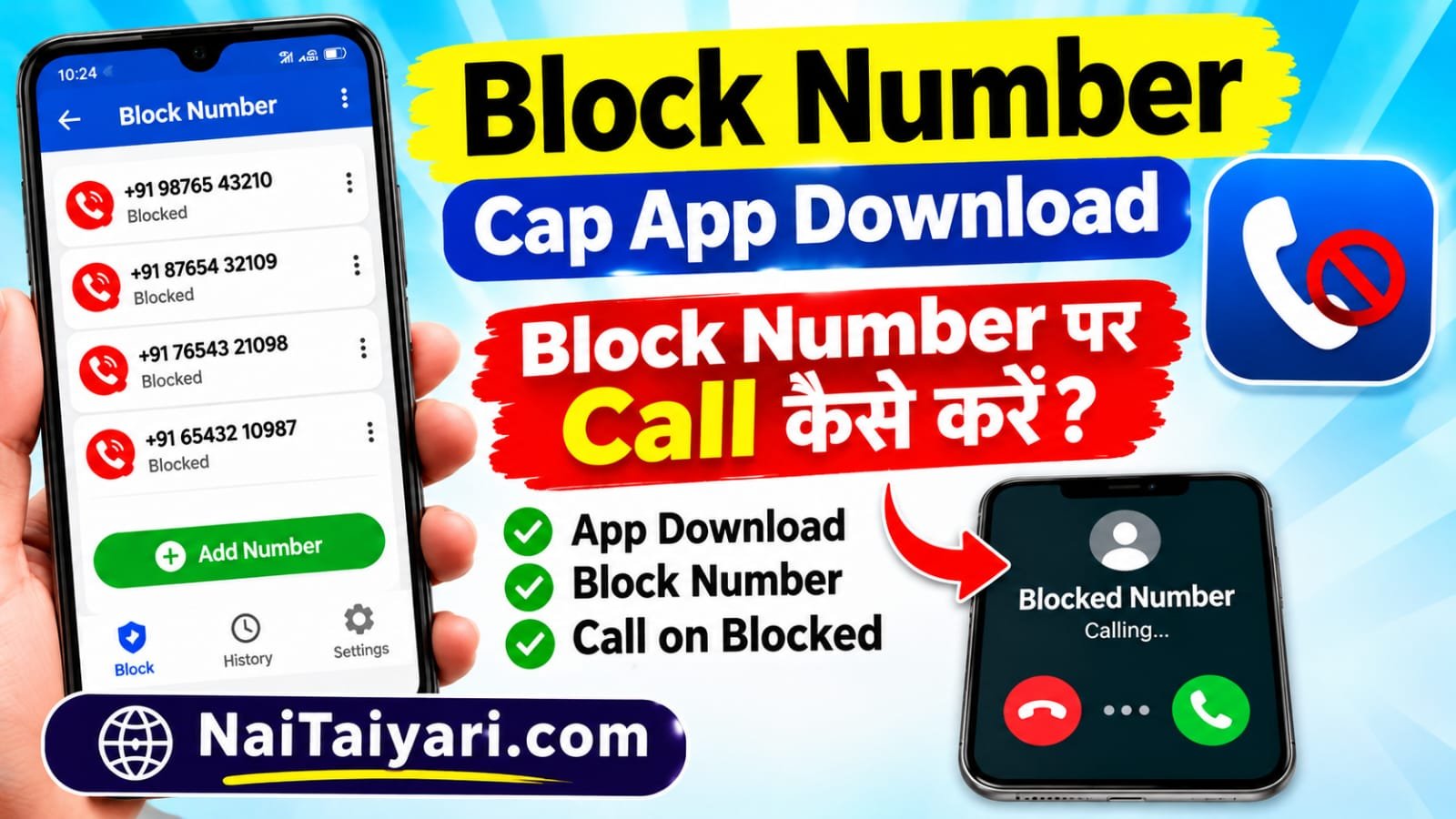
Receiving repeated calls from unknown numbers can be frustrating, especially when the same person or telemarketing service keeps calling throughout the day. Sometimes, you may also receive spam calls, promotional offers, automated messages, or calls that you simply do not want to answer. In such situations, blocking a phone number can help you manage your incoming calls and enjoy a more peaceful mobile experience.




If you are searching for a Block Number Call app, you may want to know how to block a number, check your blocked contacts, remove a number from the block list, or understand what happens when you call someone who has blocked your number. This guide explains these topics in simple English. You do not need advanced technical knowledge to follow the steps. Most Android phones already include a call-blocking feature, while some users may prefer a trusted caller ID or spam-protection application for additional features.
On NaiTaiyari.com, our aim is to share easy-to-understand mobile tips and useful app guides. Read the information below before installing any application, because the features available can differ depending on your phone model, Android version, and mobile network.
1. How to Block a Mobile Number on an Android Phone
Blocking an unwanted number is usually simple. On many Android smartphones, you can do it directly from the Phone app without installing anything extra. First, open the Phone or Dialer app that you normally use to make and receive calls. Go to the Recent Calls section and find the number you no longer want to receive calls from.
Tap the number or its call details. Depending on your phone, you may see an option such as Block, Block number, or Report spam. Select the appropriate option and confirm your choice if the phone asks you to do so. The number should then be added to your blocked list. Menu names and screen layouts can be different on Samsung, Xiaomi, Redmi, Realme, Vivo, Oppo, Motorola, and other Android devices.
If the number is saved in your contacts, open the Contacts app, select that contact, and check the menu for a blocking option. Some phones also let you manage blocked numbers by opening the Phone app settings and selecting Blocked numbers or Call blocking. From there, you may be able to add a number manually, review existing blocked contacts, or unblock a number later.
Useful tip: Before blocking a number, check that it is not an important contact such as your bank, delivery service, workplace, school, or healthcare provider. Blocking a number may prevent you from receiving calls you actually need.
2. What Happens When You Call a Number That Has Blocked You?
Many people search online for ways to call a number after that person has blocked them. It is important to understand that call blocking is a privacy feature. When someone blocks your number, their phone may automatically reject or silence your calls. Depending on the device, network, and settings, you might hear a busy tone, experience a short ring before the call ends, or be directed to voicemail. In some cases, you may not receive a clear message telling you that you have been blocked.
There is no guaranteed method to identify a blocked number just by listening to the call tone. Similar behaviour can happen because the other person’s phone is switched off, out of network coverage, set to Do Not Disturb, or affected by a network problem. Therefore, do not assume that someone has blocked you based on one unsuccessful call.
If a person has intentionally blocked your number, respect their decision. An application cannot legitimately guarantee that it will make your call reach someone who has chosen not to receive it. Avoid apps or websites that promise to bypass another person’s block, reveal private information, or secretly access their phone. Such claims may be misleading and could put your personal data at risk. If you have a genuine and important reason to contact the person, use an appropriate, previously agreed communication channel and respect their response.
3. How to Check the Blocked Number List and Unblock a Number
Sometimes, you may block a number by mistake and later want to receive calls from it again. In that case, you can usually remove it from your phone’s blocked list. Open your Phone app and tap the three-dot menu or settings icon. Look for an option named Blocked numbers, Block list, or Call blocking. Open that section to see the numbers currently blocked on your device.
Find the number you want to allow again. Tap the remove, unblock, or minus icon beside it, depending on your phone’s interface. Confirm the action if required. Once the number is removed from the blocked list, calls from it may come through normally, provided there are no other call filters or network restrictions affecting them.
Remember that blocking a number on your phone does not necessarily block it on every messaging or social media platform. For example, phone calls, SMS messages, WhatsApp calls, and calls through other apps can have separate privacy and blocking settings. If you are still receiving unwanted communication through another service, review that service’s own blocking and privacy controls.
4. Block Number Call App Download – Important Things to Know
If you want extra tools for identifying spam callers or organising unwanted calls, you can look for a reputable caller ID or call-filtering app in the Google Play Store. Before downloading an app, read its description carefully and check the developer name, recent reviews, update history, and requested permissions. Install applications only from trusted sources. Be cautious if an app asks for permissions that do not appear necessary for its advertised features, or makes unrealistic promises such as showing the private details of any caller.
Keep in mind that you may not need a separate app just to block a number. The built-in Phone app on your Android device is often enough for basic blocking and unblocking. If you do install a third-party application, review its privacy policy and understand how it handles your contacts, call history, and other personal information. Never share your OTP, banking PIN, passwords, or verification codes with an app or an unknown person.
For more mobile tutorials, app information, and simple technology guides, visit NaiTaiyari.com. You can explore the website for additional tips that may help you use your smartphone more confidently. Always download apps through the official Google Play Store and verify the app details before installing them.
Final Words: Blocking unwanted numbers is a useful way to control incoming calls and reduce disturbances. You can normally block a number, view your blocked list, and unblock a contact through your Android Phone app settings. However, if another person has blocked your number, respect their privacy instead of trying to bypass that choice. Choose trusted applications, check permissions, and use the built-in features whenever they meet your needs.
Block Number Call
दोस्तों, अगर आप Block Number पर कॉल करना चाहते हैं, तो नीचे दिए गए ऐप को डाउनलोड करें।
इस ऐप की मदद से आप Block Number पर Call कॉल कर सकते हैं।
ऐप डाउनलोड करने के लिए नीचे दिए गए बटन पर क्लिक करें।


