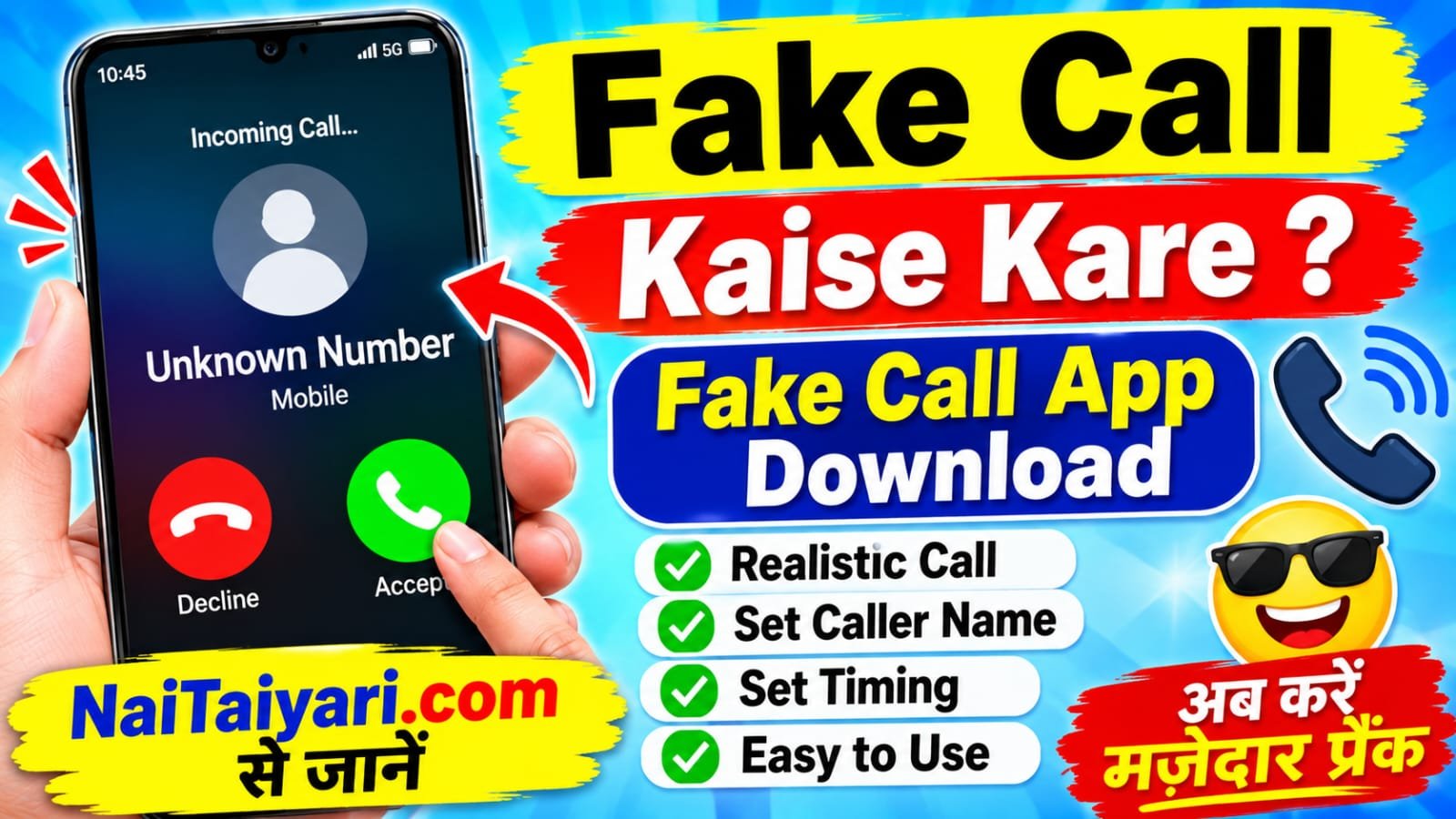
Have you ever wanted your phone to show an incoming call at a particular time? Maybe you are waiting in a place and need a polite way to end an uncomfortable conversation, or you simply want to play a harmless joke with a friend. A fake call app can create a simulated incoming-call screen on your smartphone. These apps usually let you choose a caller name, phone number, photo, ringtone, and the time when the pretend call should appear.


If you are searching for “Fake Call Kaise Kare” or “Fake Call App Download,” this guide explains how these applications work and how to use them on an Android phone. A fake call is generally a simulation displayed by an app. It does not mean that a real person is calling you, and it does not connect you to the person whose name appears on the screen. The available features can vary depending on the app and your Android version.
For more simple smartphone tutorials, app guides, and technology tips, you can also visit NaiTaiyari.com. Before installing any application, read its description and permissions carefully. The following steps are general guidance and may look slightly different on different Android phones.
1. What Is a Fake Call App and How Does It Work?
A fake call app is an application that creates a pretend incoming-call experience on your phone. Depending on its features, you may be able to enter a caller’s display name, add a number, select a contact photo, choose a ringtone, and set a delay. For example, you might schedule a simulated call to appear after 10 seconds, one minute, or another available time. When the timer ends, the app displays a call-style screen.
Some apps also provide options to answer or reject the simulated call, play a recorded voice, or show a call history inside the app. However, these are app-specific features. A simulated call does not prove that the selected person actually called you. It should not be presented as a genuine call record or used to create false evidence.
People commonly use fake call apps for entertainment, testing a phone’s ringtone and call-screen design, or arranging a light-hearted prank with friends who understand that it is a joke. If you use one in a social situation, avoid causing unnecessary worry or making someone believe that an emergency has occurred.
2. How to Make a Fake Call on an Android Phone
Making a simulated call is usually straightforward. First, open the Google Play Store and search for a fake call simulator or prank call simulator. Review the app’s name, developer, ratings, recent reviews, update date, and privacy information. Choose an app that clearly explains that it creates simulated calls. Install it only if you are comfortable with the permissions it requests.
After installation, open the application. If it offers a caller setup screen, enter a display name such as “Friend” or “Office” and choose a sample number if required. You may also be able to select a picture from your phone or use one of the app’s built-in images. Do not use another person’s private photo or details without permission, especially if you intend to show the screen to other people.
Next, look for the schedule, timer, or delay option. Select when you want the simulated call to appear. Some apps provide quick options such as 5 seconds, 10 seconds, 30 seconds, or one minute, while others allow a custom delay. Choose a ringtone if the app supports it, check the preview, and tap the button labelled Start, Schedule, or Create Fake Call.
When the selected time arrives, the app may show a simulated incoming-call screen. You can usually tap its answer or decline buttons to interact with the demonstration. If the screen does not appear, check whether notifications are allowed and whether battery restrictions are preventing the app from running in the background. The exact settings depend on your phone manufacturer and Android version.
Remember: A fake call app creates a visual or audio simulation. It cannot make the selected person call you, and it should not be used to impersonate emergency services, deceive someone for money, or mislead anyone in an important matter.
3. Useful Features to Check Before Fake Call App Download
Not every fake call application offers the same tools. Before downloading one, check whether it has the features you actually need. A simple interface is often better than an app filled with unnecessary buttons and confusing settings.
Custom Caller Name: Some apps let you enter a display name for the simulated caller. This makes the demonstration easier to recognise, but it does not verify the identity of a real caller.
Timer and Scheduling: A timer lets you decide when the pretend call should appear. Check whether the app supports a short delay or a custom schedule, and whether it works when the screen is locked.
Ringtone and Call Screen: You may be able to select a ringtone, vibration setting, or call-screen theme. Preview these settings first so that the app behaves as expected.
Simple Controls: Look for clear Start, Cancel, Answer, and Decline options. An easy-to-use design helps prevent accidental activation.
Privacy and Permissions: A basic simulator should not need access to unrelated personal information. Be cautious if an app requests contacts, SMS, microphone, location, or other sensitive permissions without a clear reason. Read its privacy policy and avoid sharing passwords, OTPs, or banking details.
4. Safety Tips Before Installing a Fake Call App
Download applications from the official Google Play Store rather than unknown websites. Avoid modified APK files, suspicious download buttons, and apps that promise to show real incoming calls from any number. Check the developer information and recent user reviews, because ratings alone do not guarantee that an application is safe.
Also remember that a fake call screen can be confused with a real call by someone who does not know it is simulated. Use it only for harmless entertainment or personal demonstrations. Do not use fake calls to threaten, harass, impersonate another person, create false alibis, or mislead an employer, school, bank, or public authority. Respect other people’s privacy and do not use their names or photographs in a way that could harm them.
5. Which Fake Call Apps Can You Try?
You can search the Google Play Store for apps using terms such as “Fake Call Simulator,” “Fake Call Prank,” or “Incoming Call Simulator.” App names, availability, features, and safety practices can change over time, so check the current listing before installing anything. Compare the developer, permissions, privacy policy, recent reviews, and update history rather than choosing an app only because it has an attractive icon.
Some simulator apps focus on scheduling a pretend incoming call, while others offer custom caller screens, ringtones, or a simple prank interface. Choose an app that clearly describes its simulation features and does not claim to generate genuine calls from arbitrary phone numbers. If your phone already has a built-in feature that meets your needs, you may not need to install another app.
Final Words
Making a fake call on Android can be simple when you use a suitable call-simulator application. Install a trusted app, enter a sample caller name, choose the available ringtone and timer, and start the simulation. Always remember that it is only a pretend call, not a real connection. Use the feature responsibly, protect your personal information, and avoid misleading or harming other people.
We hope this guide has helped you understand how to make a fake call and what to check before downloading an app. For more useful mobile tips, app guides, and technology tutorials, keep visiting NaiTaiyari.com.
Download App
Fake Call App
दोस्तों, यदि आप Fake Call करना चाहते हैं, तो नीचे दिए गए ऐप को डाउनलोड करें।
इस ऐप की मदद से आप Fake Call का मजा ले सकते हैं और अपने दोस्तों के साथ मजेदार Prank कर सकते हैं।
तो देर किस बात की! ऐप डाउनलोड करने के लिए नीचे दिए गए बटन पर क्लिक करें।


